Can You Share Memory Between ChatGPT and Claude?
Yes! You can copy context manually, import it, keep a shared context file, or use AI Passport for permissioned sharing.
You can share memory between ChatGPT and Claude using a couple of different methods. You gave four practical options:
| Method | Best For | Main Drawback |
|---|---|---|
| Copy and paste | A single conversation | You have to repeat this for every piece of information you want to share |
| Import Memory | Moving permanently between AI tools | It does not allow you to share context in both directions |
| Keep a shared context file | Longer projects | You still manage the file by hand |
| Use AI Passport | Sharing information across different AI tools | You need to create an AI Passport the first time |
The right chocie depends on what you are trying to do.
If you are switching from ChatGPT to Claude, or Claude to ChatGPT, then a simple memory import can help you bring over a summary of your preferences and working context from one tool to the other. If you only need your AI assistant to know something once, a short copy-and-paste brief is usually fastest.
However, if you use several AI tools regularly, you do not want to keep re-explaining your context in every app that you use. What you want to do instead is 'plug and play': move your context around with you as you use different AI applications. This is where it would be msot useful for you to use AI Passport.
Option 1: Copy and paste a context brief
The simplest method to share memories is to keep a short note about yourself and paste it into a new chat when needed.
This note might be general, or it might inlcude specifc information about your preferences, work, plans, or anything else that could change the way an AI assistant should respond to you.
This works very well for a single task, however it can get tiring when you use ChatGPT, Claude, Gemini, and specialist AI tools throughout the week.
Option 2: Import your memory from ChatGPT into Claude
Claude has a memory import flow for people moving from another AI assistant. You can use its import prompt to gather a summary of your existing context, then add that summary to Claude’s memory.
ChatGPT also lets you export your account data.
This ability to import and export context is very useful when you are changing tools permanently (like stopping your use of ChatGPT in favour of using Claude). The trade-off is that if you want to move back or between the tools, you need to keep manually updating the imports.
Option 3: Keep a share personal context file
Some people keep a private Markdown or Notes document with the facts and preferences they want AI tools to know.
This gives you more control than relying on one assistant’s memory because you can edit the file whenever your circumstances change, then share only the relevant section with the tool you are using.
The downside is that you have to keep on top of maintenance: you still have to decide what to write in your file, and remember where to use it.
Option 4: Share approved context with AI Passport
AI Passport gives you an easy one-click way to create a shared memory between different AI tools, including ChatGPT and Claude. It works as a personal context layer between you and the AI tools you use.
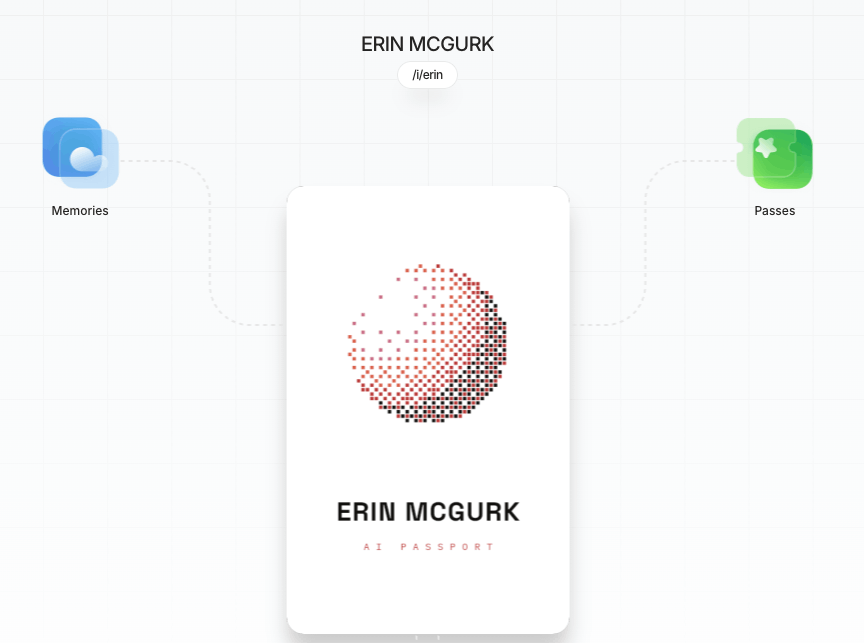
It gives you a card that holds the details you have chosen to keep: preferences, working style, plans, important constraints, or pieces of personal context that are useful across more than one app.
When context comes in from a tool such as ChatGPT, it first lands in an inbox. You can review it, edit it, approve it, reject it, or keep it private.
Later, when Claude or another AI tool needs that context, it makes a request which tells you what the app wants to use and why. You can allow access once, allow it for a session, deny it, or revoke it later.
For example, you might tell ChatGPT that you are vegetarian. You approve that preference into AI Passport. When Claude helps you plan a trip, it can request your food preferences. You can approve that request without giving Claude your full ChatGPT history.
Which method should you use?
- Use copy and paste when the context is small and temporary.
- Use import and export of context when you are moving from one assistant to another.
- Use a shared context file when you want control and do not mind maintaining it.
- Use AI Passport when you want your context to remain yours, travel between AI tools, and stay governed by your permission.
The bigger problem is not creating shared memory
Moving memory once is easy enough. The harder problem is staying in control as more AI tools learn things about you. Sign up for your AI Passport here, and start taking back control.